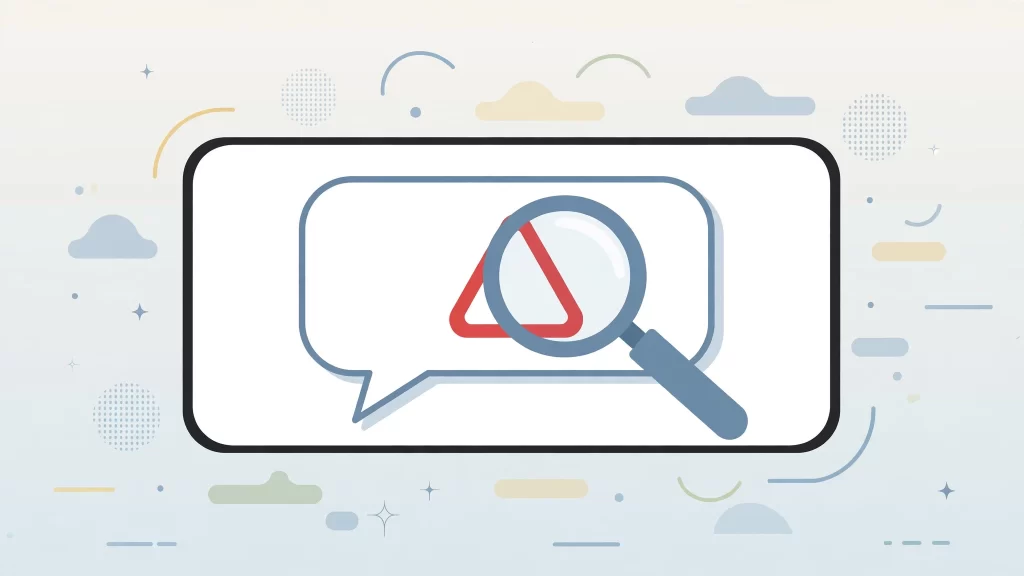
Online scams get smarter every year, and in 2026 they have a powerful new helper: AI. Scammers can now write perfect messages in any language, clone a voice from a short audio clip, and create realistic photos and videos of people who do not exist. The good news is that scams still follow the same old patterns — once you know them, you can spot most of them in seconds.
The urgency trick
Almost every scam starts with urgency. "Your account will be closed in 24 hours." "You won a prize, claim it now." "Your package is stuck, pay a small fee to release it." The rush is the point: they want you to act before you think.
The rule is simple. A real company will never pressure you to act in minutes. If a message makes your heart beat faster, stop. Close it, and go to the company's real website or app yourself. Never use the link or phone number in the message.
The too-good-to-be-true offer
A new phone for almost nothing. A job that pays a lot for working two hours a day from home. An investment that doubles your money in a week. If it sounds too good to be true, it is a scam — every time, without exception.
This also applies to online stores. Before you buy from a shop you have never heard of, check if it has a real address, real contact information, and reviews from real customers on independent sites. A store that only takes wire transfers or gift cards is not a store.
The fake friend or family member
One of the fastest-growing scams in 2026 is the fake relative. You get a message from a new number: "Hi, it is me, I lost my phone, I need money urgently." Sometimes it even comes with a voice message that sounds exactly like your child or your parent, because AI can now copy a voice from a few seconds of audio taken from social media.
If a family member asks for money in a message, call them on their old number before you send anything. A simple family code word — a word only your family knows — can stop this scam completely.
The fake login page
You get an email that looks exactly like it is from your bank, Google or Amazon. It says there is a problem with your account and asks you to log in. The page looks real, but the web address is slightly wrong: an extra letter, a different ending, a strange domain.
Always check the address bar before you type a password. Better yet, never log in from a link in an email. Open your browser, type the address yourself, or use the app you already have installed.
The AI problem: seeing is no longer believing
In 2026, a photo, a video or a voice recording is not proof anymore. AI can create a video of a famous person saying something they never said, or a voice message from your boss asking you to buy gift cards. If a video or a message asks you for money, passwords, or personal information, treat it as suspicious until you verify it through a different channel.
What to do if you already clicked
Do not panic, but act fast. Change the password of the affected account immediately, and turn on two-factor authentication. If you entered bank or card details, call your bank right away. Report the message as spam in your email or messaging app, and warn anyone else who might have received the same message.
And remember: the best defense is a habit, not a tool. Pause before you click. Verify through a different channel. And if something feels wrong, it probably is. AI tools can even help you check a suspicious message — the collection of AI tools includes assistants that can review a text and point out the warning signs.
Links in this article go to each provider's official website. We do not earn a commission from them yet.
Leave a Reply