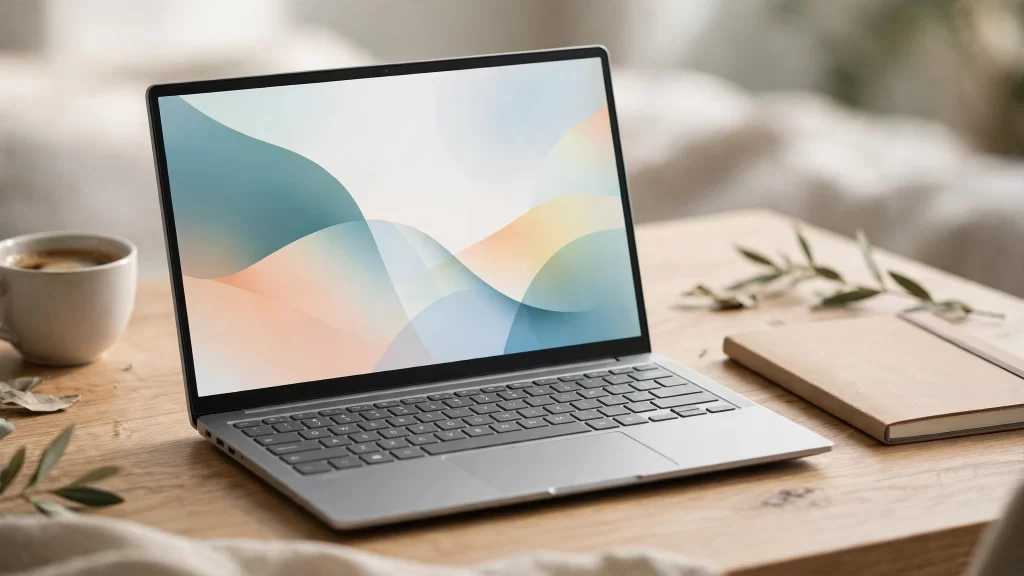
A good laptop does not have to cost a fortune. In 2026, budget laptops are good enough for school, office work, browsing, video calls and even light photo editing. The trick is knowing where to spend and where to save — because the cheapest laptop in the store is rarely the best deal.
What matters most
Memory (RAM). This is the most important number. 8 GB is the minimum for comfortable use in 2026, and 16 GB is worth the extra money if you keep many browser tabs open or use big apps. A laptop with only 4 GB will feel slow on day one.
Storage. Get a laptop with an SSD, not an old spinning hard drive. An SSD makes the computer start in seconds instead of minutes, and it is the single biggest speed difference you will feel. 256 GB is workable; 512 GB is more comfortable if you store photos and videos.
Screen. You will stare at this screen for hours. A full HD screen (1920 x 1080) is the minimum — anything lower looks blurry and tired. A bright screen matters if you work near a window.
Battery. For a laptop you carry around, look for one that reviewers say lasts a full work or school day. A laptop that needs its charger by lunchtime is not really portable.
Weight. If you carry it daily, every hundred grams counts. Under 1.5 kg is comfortable; over 2 kg gets heavy fast.
The lines worth looking at
Lenovo IdeaPad laptops are a reliable budget choice: solid keyboards, good screens for the price, and frequent discounts. The Acer Aspire line is similar — good value, and easy to find on sale.
HP Pavilion and ASUS Vivobook laptops are also strong budget options, with good screens and decent battery life. If you want a Mac, the Apple MacBook Air is not a budget laptop, but it is the cheapest way into the Mac world, and it is worth considering if you already use an iPhone.
Chromebooks deserve a mention too. If almost everything you do happens in a browser — email, documents, video calls, YouTube — a Chromebook can be much cheaper than a Windows laptop and much simpler to maintain. Just make sure the apps you need work in a browser first.
What to avoid
Avoid laptops with 4 GB of RAM or a screen below full HD, no matter how low the price. Avoid unknown brands with no support. And be careful with very old models on clearance: a laptop that was already two years old when you bought it will feel old twice as fast.
The smart way to buy
Check for student discounts, seasonal sales, and certified refurbished models from the manufacturer — a refurbished laptop from Lenovo or Dell with a warranty can be a great deal. Read one review from a site you trust before you buy, and if possible, try the keyboard in a store. You will type on it every day.
Laptops are also the main tool for creators today — video editing, writing, design and AI tools all run on them. If you want to see what creators actually use their laptops for, the AI tools for creators list is a good place to start.
Buy the laptop with enough memory, an SSD, and a screen you like. Everything else is secondary.
Links in this article go to each provider's official website. We do not earn a commission from them yet.
Leave a Reply